if and if else in JavaScript how to work?

React js developer
When You use if or if else conditional in your code, what happens if your code don't any condition? here You must use single else to justify what happen! look at this code and find difference!
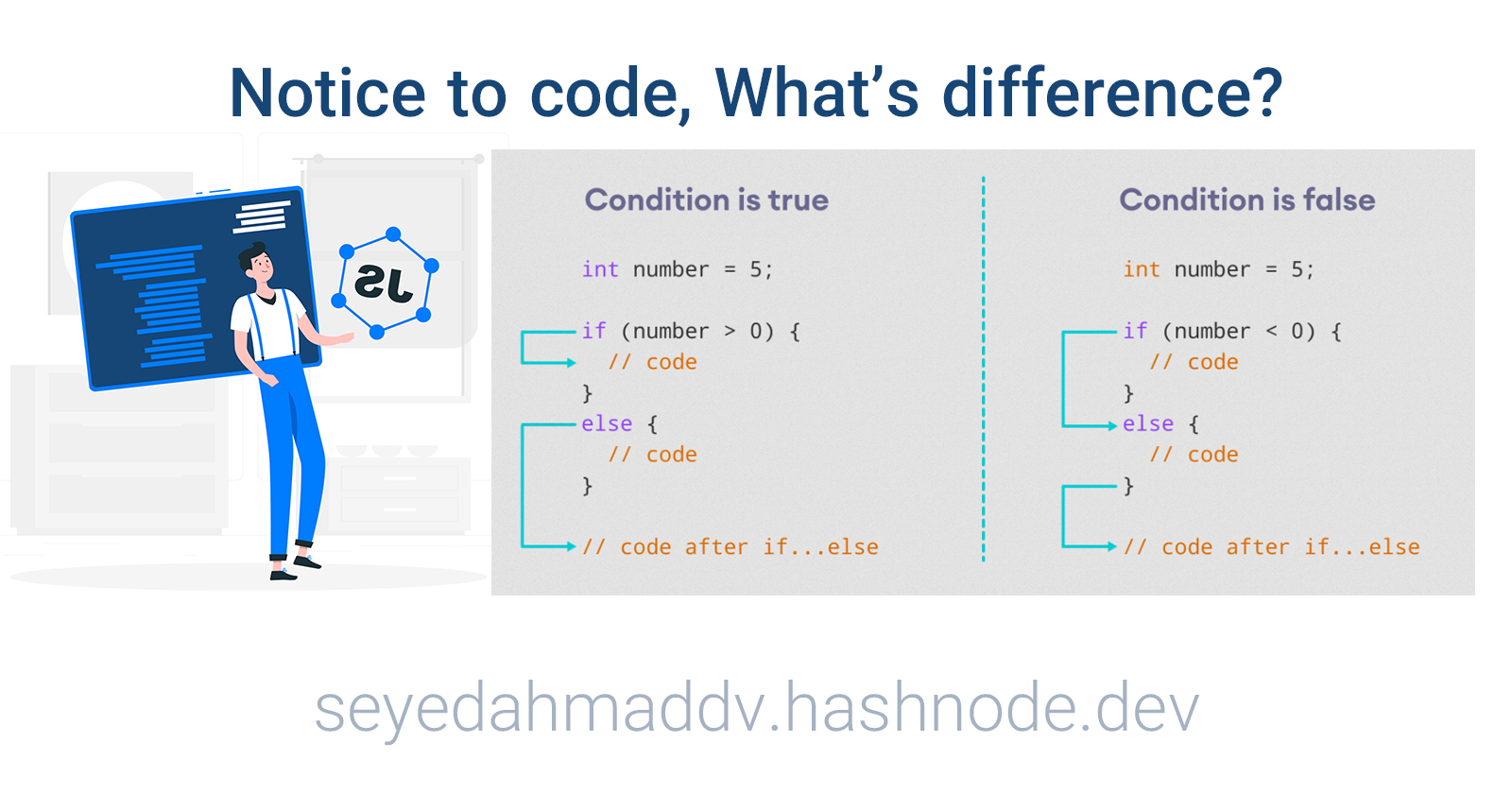 for example look at else in end of this code:
const x = prompt("Enter your score");

if (x == 10) {
  alert("Hooray");
} else if (x == 9) {
  alert("Good!");
} else if (x >= 5 && x < 9) {
  alert("Not bad");
} else if (x >= 1 && x < 5) {
  alert("Terrible");
} else {
  alert("Please enter a valid number between 1 and 10");
Here, when my code don't meet above conditions, must alert:
Please enter a valid number between 1 and 10. . it is important: single else must use in end of code and not before than else if. Look at below code, here we receive error.
// Error!
if (true) {

} else {

} else if (true) {

}
Remember: else if must use after if! . Conditional Statements In JavaScript: we have the following conditional statements:
1.Use if to specify a block of code to be executed, if a specified condition is true 2.Use else to specify a block of code to be executed, if the same condition is false 3.Use else if to specify a new condition to test, if the first condition is false 4.Use switch to specify many alternative blocks of code to be executed The switch statement is described HERE! . for more, read: Resources: https://www.w3schools.com/jsref/met_win_prompt.asp https://developer.mozilla.org/en-US/docs/Web/JavaScript/Guide/Control_flow_and_error_handling https://developer.mozilla.org/en-US/docs/Web/JavaScript/Reference/Statements/if...else


